SmartSub: How a Sub can Cancel an Assignment in SmartSub
Substitutes can cancel an assignment through the SmartSub portal. Use the following steps to successfully submit your cancellation request.
1. Navigate to www.smartsub.com.
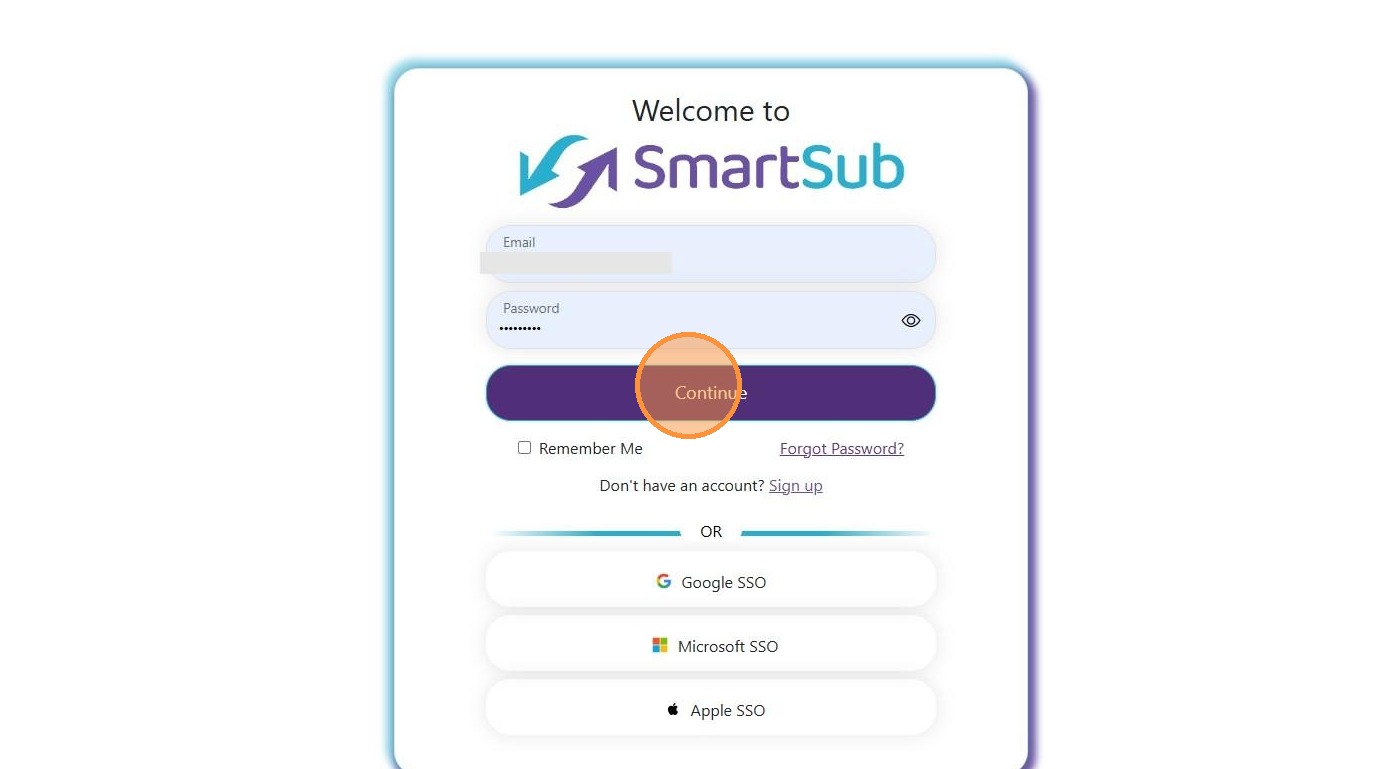
2. Log in to the SmartSub system using your email/password or Single Sign On method and click "Continue".
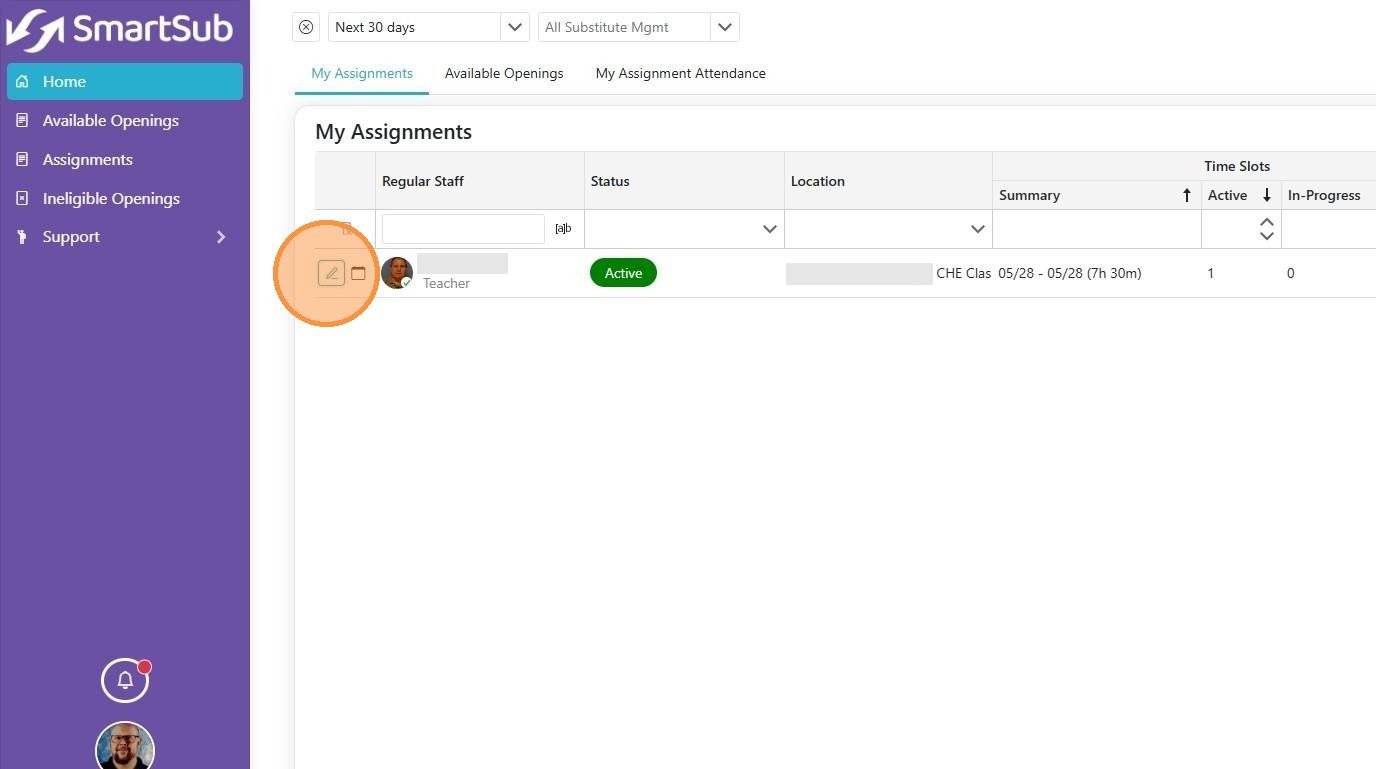
3. Navigate to the 'My Assignments' section, which is the default screen on the Home tab. Click the pencil icon to edit the assignment.
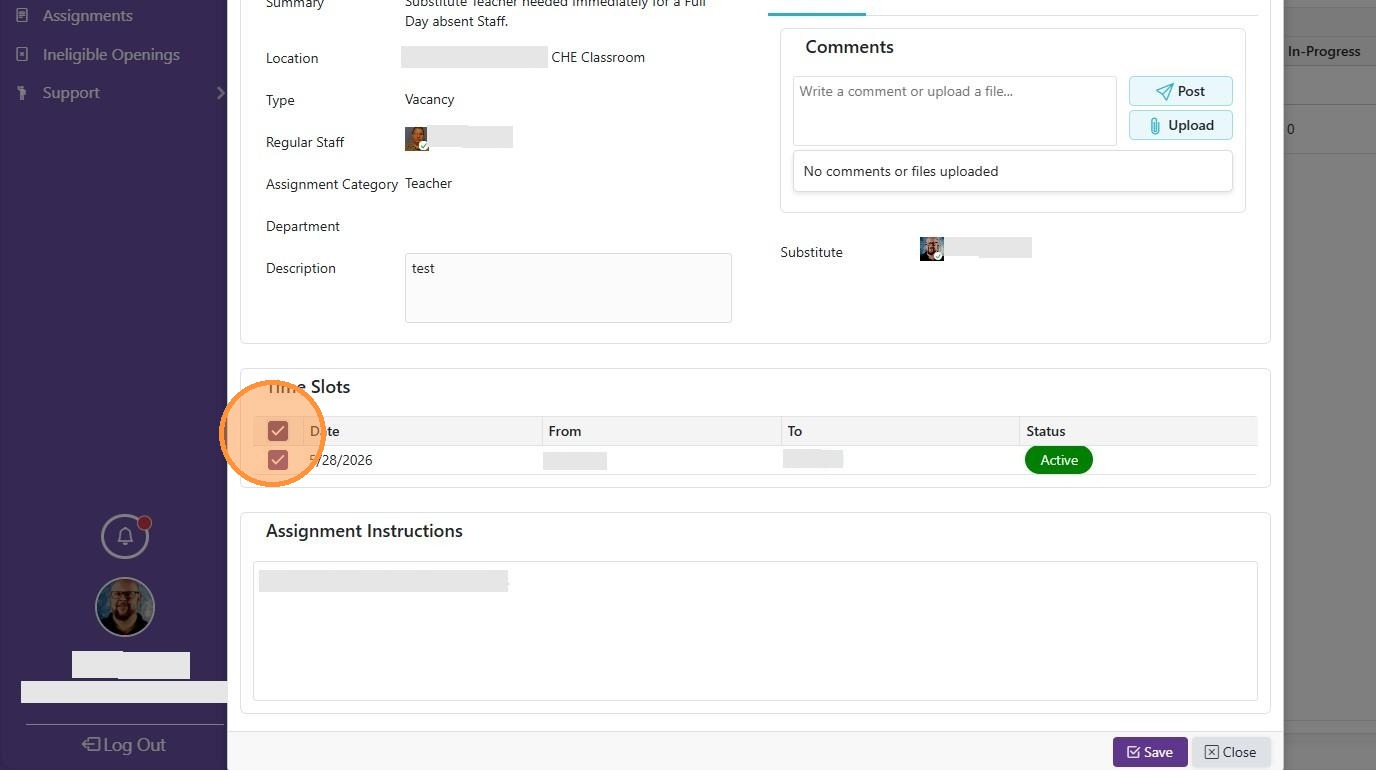
4. Remove the checkmark from the time slot you wish to cancel.
5. Click the Save button.
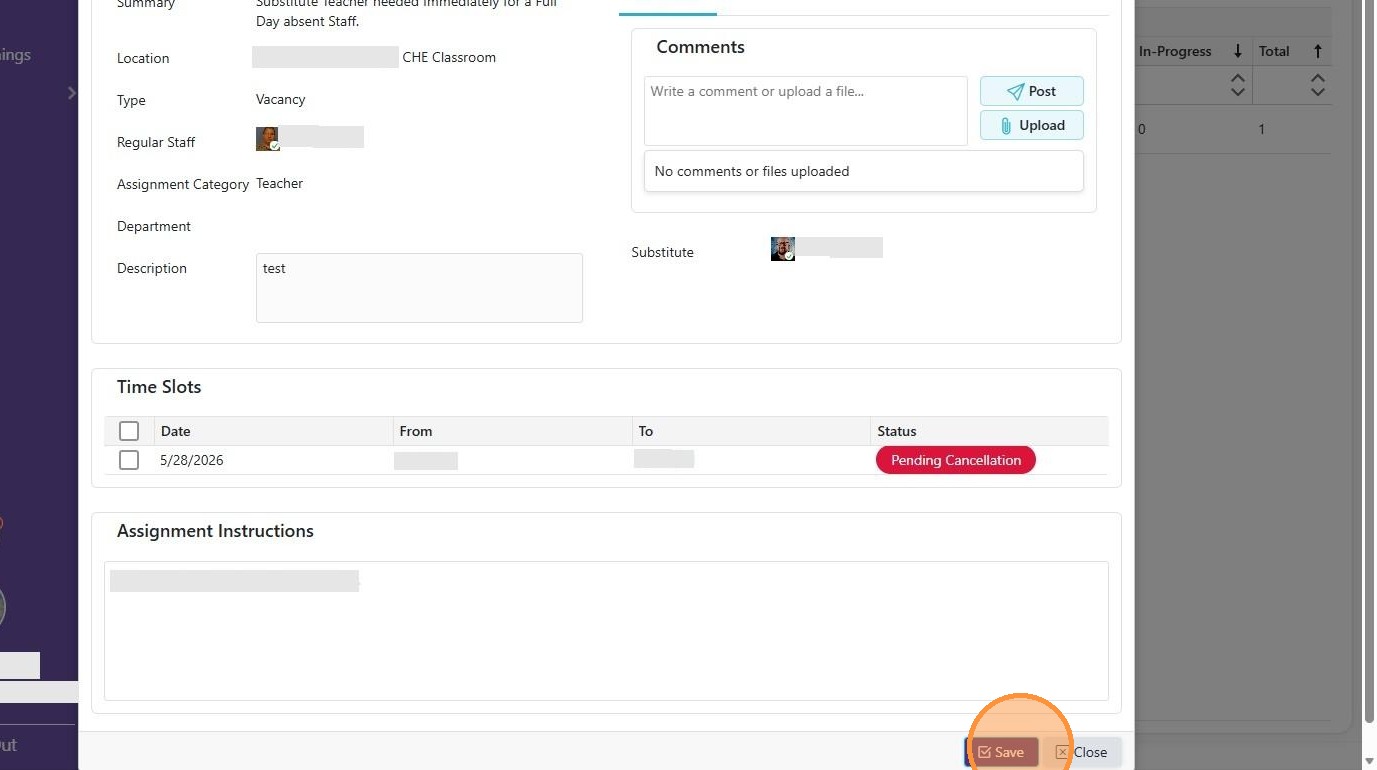
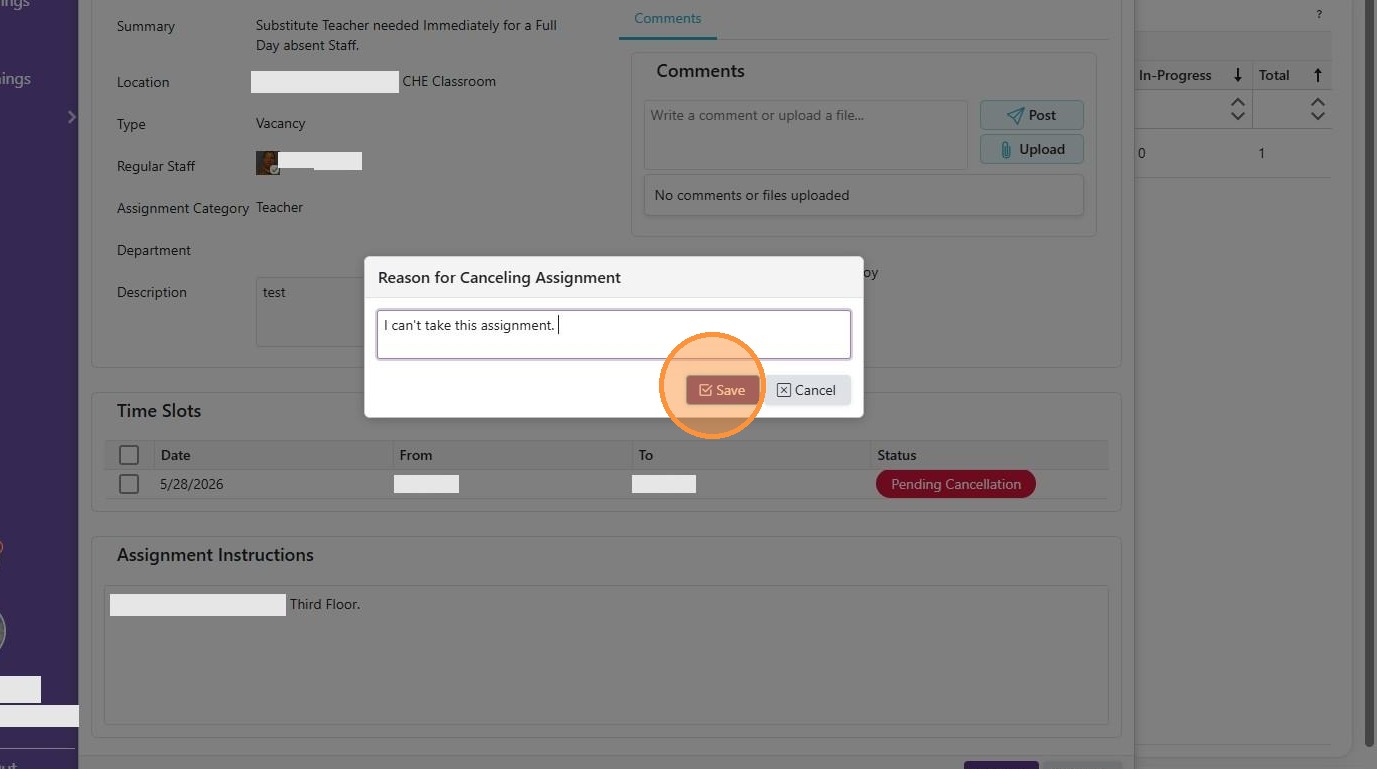
6. Enter a reason for the cancelation and click the Save button. The Assignment will move back to the available openings for additional substitutes to take.